
Farmers can check their PM Kisan status online in a few minutes on the official pmkisan.gov.in portal using their registration number or mobile number. The status page shows whether your instalments were paid, your e-KYC status, land seeding status and bank details, so you can quickly find out why a payment is missing.
The 23rd instalment of PM-Kisan was released on June 20, 2026, benefiting about 9.44 crore farmers. The 24th instalment is expected around October 2026, although the government has not yet announced an exact date. In this guide, we explain how to check PM Kisan status in five easy steps, how to complete e-KYC, how to check the beneficiary list and what to do if your payment is stuck.
Table of Contents
What Is PM-Kisan?
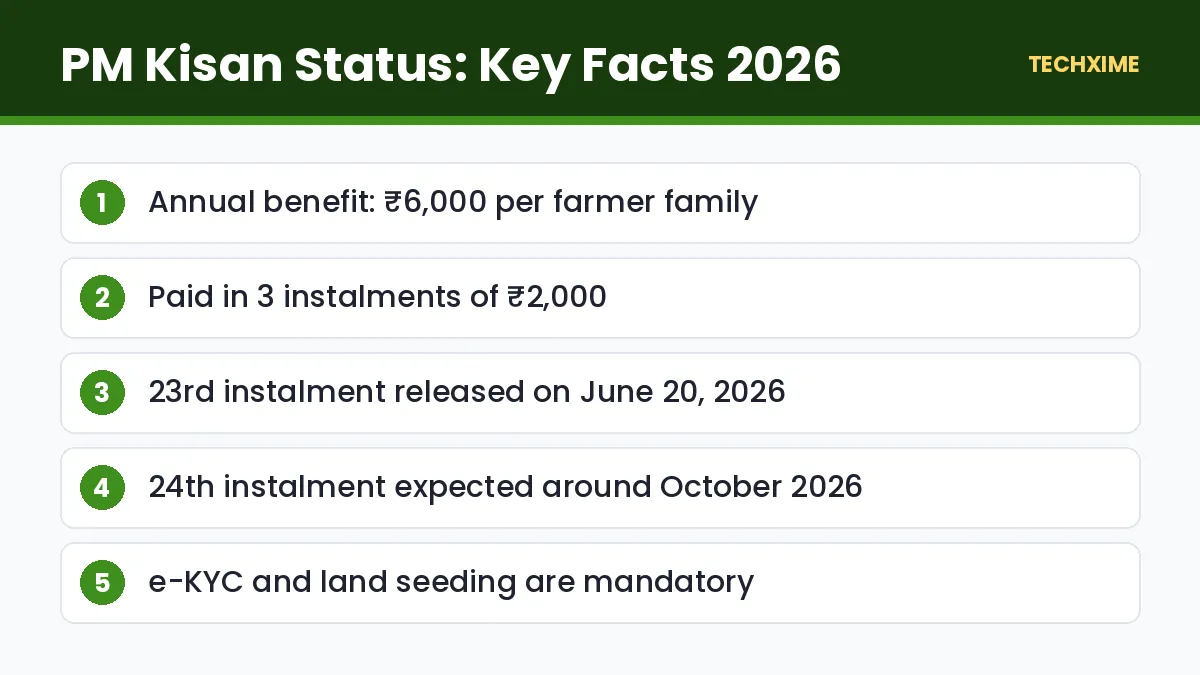
Pradhan Mantri Kisan Samman Nidhi (PM-Kisan) is a central government scheme that gives eligible landholding farmer families ₹6,000 per year. The money is paid in three instalments of ₹2,000 each, directly into the farmer’s Aadhaar-seeded bank account through Direct Benefit Transfer (DBT).
| Detail | Information |
|---|---|
| Annual benefit | ₹6,000 per family |
| Instalments | 3 instalments of ₹2,000 |
| Payment mode | Direct Benefit Transfer (DBT) |
| Official website | pmkisan.gov.in |
| Latest instalment | 23rd, released June 20, 2026 |
| Next instalment | 24th, expected around October 2026 |
PM Kisan 24th Instalment Date
Instalments are usually released every four months. With the 23rd instalment paid on June 20, 2026, the 24th instalment is expected around October 2026. The government has not confirmed a date yet. Official dates are announced on the PM-Kisan portal and through government press releases.
To make sure you receive the 24th instalment without problems, complete these three things now:
- e-KYC must be completed.
- Land seeding must show “Yes” on your status page.
- Aadhaar-bank linking must be active with DBT enabled.
How to Check PM Kisan Status: 5 Easy Steps
Follow these steps to check PM Kisan status online.
Step 1: Visit the Official Website
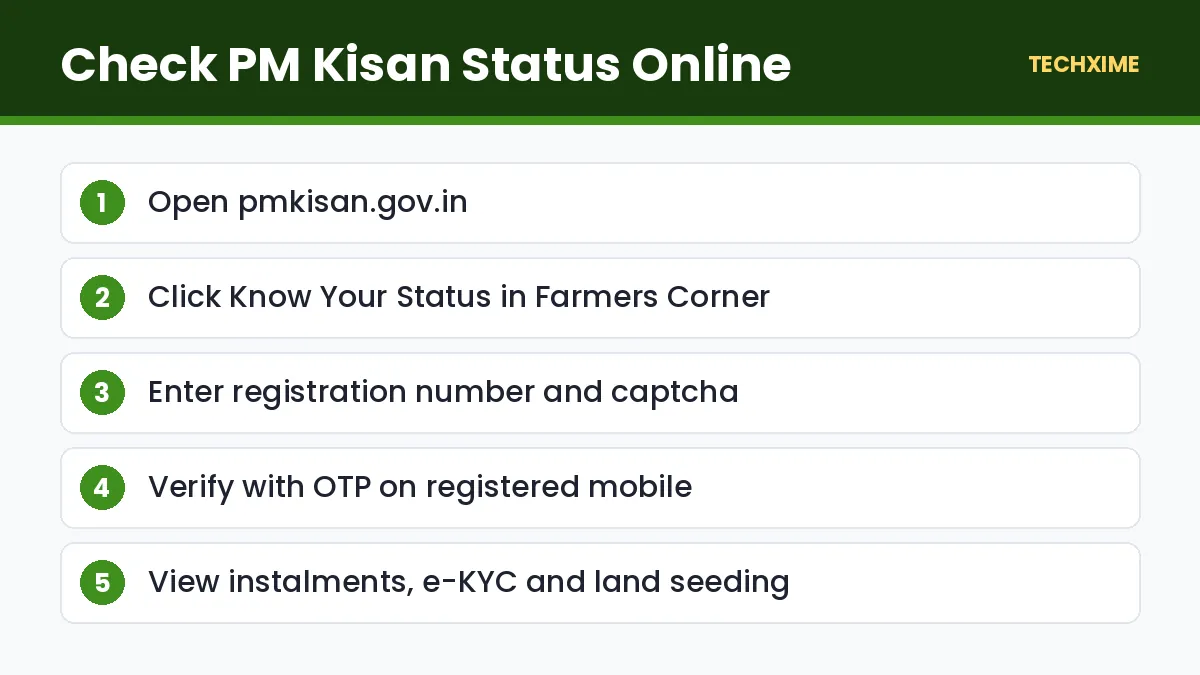
Open pmkisan.gov.in on your phone or computer.
Step 2: Open “Know Your Status”
In the Farmers Corner section, click Know Your Status.
Step 3: Enter Your Registration Number
Type your PM-Kisan registration number and the captcha code. If you do not know your registration number, click Know your registration number (explained below).
Step 4: Verify With OTP
Click Get OTP and enter the OTP received on your registered mobile number.
Step 5: View Your Payment Details
Your PM Kisan status will show beneficiary details, eligibility status, e-KYC status, land seeding status, Aadhaar bank seeding and the history of all instalments with dates and UTR numbers.
How to Find Your PM-Kisan Registration Number
1. On the Know Your Status page, click Know your registration number. 2. Enter your registered mobile number or Aadhaar number. 3. Enter the captcha and click Get Mobile OTP. 4. Enter the OTP to see your registration number and name.
Note the registration number safely. You will need it every time you check PM Kisan status.
How to Check PM Kisan Status on the Mobile App
You can also use the official PM-Kisan mobile app, available on the Google Play Store.
- Install the PMKISAN GoI app.
- Open it and choose Beneficiary Status.
- Enter your registration number or Aadhaar and verify with OTP.
- View your payment history and e-KYC status.
How to Complete PM Kisan e-KYC
e-KYC is mandatory. Without it, your instalments will stop. There are three ways to complete it.
OTP-Based e-KYC
1. On pmkisan.gov.in, click e-KYC in Farmers Corner. 2. Enter your Aadhaar number and search. 3. Enter the OTP received on your Aadhaar-linked mobile number.
If your Aadhaar-linked number is old, learn how to update mobile number in Aadhaar.
Face Authentication e-KYC
Using the PM-Kisan mobile app along with the Aadhaar FaceRD app, you can complete e-KYC by scanning your face. This is useful for elderly farmers whose fingerprints are hard to read.
Biometric e-KYC at CSC
Visit the nearest Common Service Centre (CSC) with your Aadhaar card. The operator will complete e-KYC using your fingerprint. A small service charge may apply.
How to Check the PM Kisan Beneficiary List
To see if your name is in your village’s list:
- Go to pmkisan.gov.in and click Beneficiary List.
- Select your state, district, sub-district, block and village.
- Click Get Report.
- Search for your name in the list.
Common PM Kisan Status Messages and Their Meaning
| Status | Meaning | What to Do |
|---|---|---|
| e-KYC: No | e-KYC not completed | Complete e-KYC by OTP, face or CSC |
| Land Seeding: No | Land records not verified | Contact your local agriculture or revenue office |
| Aadhaar Bank Seeding: Inactive | Bank account not linked to Aadhaar for DBT | Visit your bank or India Post Payments Bank |
| FTO generated and payment confirmation pending | Payment is being processed | Wait a few days |
| Payment failed | Bank rejected the credit | Check account status and Aadhaar seeding |
| Ineligible | Farmer excluded under scheme rules | Check exclusion criteria with officials |
Why Your PM-Kisan Payment May Be Stuck
If your PM Kisan status shows no payment for the latest instalment, the reason is usually one of these:
- e-KYC not completed.
- Land records not seeded or verified by the state.
- Bank account not linked with Aadhaar, or DBT disabled.
- Name mismatch between Aadhaar, bank and land records.
- The account is closed, frozen or dormant.
- The farmer falls under an exclusion category, such as income tax payers, pensioners with high pensions, or institutional landholders.
How to Fix Aadhaar Bank Seeding
Many payments fail because the bank account is not Aadhaar-seeded for DBT. To fix it:
- Visit your bank branch with your Aadhaar card and passbook, and request Aadhaar seeding with NPCI mapping for DBT.
- Or open an India Post Payments Bank account, which is automatically Aadhaar-linked and DBT-enabled.
- Check your Aadhaar-bank seeding status on the UIDAI website.
Who Is Not Eligible for PM-Kisan?
The following are excluded from the scheme:
- Institutional landholders.
- Farmer families where any member is or was a constitutional post holder, minister, MP, MLA or mayor.
- Serving or retired government employees (except multi-tasking staff and Group D).
- Pensioners receiving ₹10,000 or more per month (except Group D).
- Income tax payers in the last assessment year.
- Professionals such as doctors, engineers, lawyers and chartered accountants practising their profession.
PM-Kisan Helpline Numbers
If you face problems, contact the official helpline:
- PM-Kisan helpline: 155261 or 1800-115-526 (toll-free)
- Email: pmkisan-ict@gov.in
You can also raise a grievance through the Help Desk option on the PM-Kisan portal.
How to Register for PM-Kisan as a New Farmer
If you are an eligible farmer but not yet registered, you can apply online and then track your PM Kisan status.
- Visit pmkisan.gov.in and click New Farmer Registration.
- Choose rural or urban farmer.
- Enter your Aadhaar number, mobile number and state.
- Verify with OTP.
- Fill in personal details, bank details and land details.
- Upload land ownership documents if asked.
- Submit the application.
Your application is verified by state officials. After approval, your name appears in the beneficiary list, and you can check PM Kisan status using your registration number. You can also register through a Common Service Centre or your local agriculture office.
How to Update Details in PM-Kisan
Mistakes in your name, bank account or Aadhaar can stop payments. Here is how to fix them:
- Name as per Aadhaar: Use the Update Self Registered Farmer or name correction option on the portal, or contact your local agriculture officer.
- Bank account change: Link Aadhaar with your new bank account and enable DBT. Payments go to the Aadhaar-seeded account automatically.
- Mobile number change: Update your mobile number in the portal’s profile section using Aadhaar OTP. If your Aadhaar-linked number is old, first update mobile number in Aadhaar.
Tips to Never Miss an Instalment
– Check your PM Kisan status at least two weeks before each expected instalment. – Keep your bank account active by doing at least one transaction every few months. – Complete e-KYC once and verify that the status shows “Yes”. – Make sure land records are updated after inheritance or sale of land. – Watch official announcements instead of rumours on social media.
Beware of PM-Kisan Scams
Fraudsters send messages saying “PM Kisan ₹2,000 pending, click here to claim” or ask farmers to download unknown apps. The government never asks for your bank PIN or OTP. Only use pmkisan.gov.in or the official PMKISAN GoI app to check PM Kisan status.
PM Kisan Status: Frequently Seen Situations
“Received earlier instalments but not the latest one”
This usually means e-KYC or land seeding became pending, or your bank account’s Aadhaar seeding changed. Check PM Kisan status and fix the item marked “No”.
“Status shows payment success, but money not in account”
Check your bank passbook or the Aadhaar-linked account. Payments go to the account seeded with Aadhaar for DBT, which may not be your main account. You can check which bank is linked to your Aadhaar on the UIDAI website.
“Name not in beneficiary list”
Your registration may be pending verification with the state. Contact your local agriculture officer with your registration number.
“Farmer died, what happens now?”
Payments stop after the death of the registered farmer. The legal heir can apply as a new farmer after land is transferred in their name.
Documents Farmers Should Keep Ready
– Aadhaar card with active mobile number. – Bank passbook of an Aadhaar-seeded account. – Land ownership records, such as khatauni or patta. – PM-Kisan registration number. – Ration card, where required by the state.
Having these documents ready makes it easier to fix any issue shown when you check PM Kisan status.
How PM-Kisan Money Is Transferred
The government releases funds through the Public Financial Management System (PFMS). A Fund Transfer Order (FTO) is generated for each eligible farmer, and money is sent through DBT to the Aadhaar-seeded account. This is why the status may show “FTO generated” before the money reaches you. The entire process usually completes within a few days of the official release.
Other Farmer Schemes to Know
Along with PM-Kisan, farmers can benefit from other central schemes:
- PM Fasal Bima Yojana: Crop insurance against natural calamities.
- Kisan Credit Card (KCC): Low-interest short-term loans for farming needs.
- PM-KUSUM: Support for solar pumps and solar power on farms.
- Soil Health Card: Free soil testing and fertiliser recommendations.
Checking your PM Kisan status regularly and keeping records updated also makes it easier to apply for these schemes, as many use the same Aadhaar and land data.
Key Terms Explained
– DBT: Direct Benefit Transfer, where money goes straight to the beneficiary’s bank account. – e-KYC: Electronic verification of identity using Aadhaar. – Land seeding: Linking and verifying a farmer’s land records in the PM-Kisan database. – Aadhaar bank seeding: Linking your bank account to Aadhaar through NPCI for DBT payments. – FTO: Fund Transfer Order generated before payment is released. – CSC: Common Service Centre offering digital government services locally.
Real-Life Examples
Ramesh from Uttar Pradesh: His last instalment did not arrive. When he checked PM Kisan status, e-KYC showed “No”. He completed OTP-based e-KYC on the portal, and the next instalment arrived on time.
Lakshmi from Andhra Pradesh: Her status showed “Aadhaar Bank Seeding: Inactive”. She visited her bank, completed Aadhaar seeding for DBT, and her pending payment was processed.
Gurpreet from Punjab: He found that his land seeding was pending after inheriting land from his father. He contacted the local revenue office to update records, and later his PM Kisan status showed “Yes” for land seeding.
Expert Tips
– Check PM Kisan status on the first day of every instalment month. – Keep your Aadhaar-linked mobile number active so OTPs work for e-KYC. – Save screenshots of your status page for records. – Visit a CSC early if face or OTP e-KYC fails; do not wait for the release date. – Share your registration number only with officials, never with unknown callers. – Help neighbours and elderly farmers in your village check their status too.
Frequently Asked Questions
How can I check PM Kisan status?
Visit pmkisan.gov.in, click Know Your Status, enter your registration number and captcha, verify with OTP and view your details.
When will the 24th instalment of PM-Kisan be released?
It is expected around October 2026, but the government has not yet confirmed a date.
Can I check PM Kisan status with Aadhaar number?
You can use your Aadhaar or mobile number to find your registration number, and then check your status.
Why is my PM Kisan status showing e-KYC “No”?
It means e-KYC is pending. Complete it using OTP, face authentication or biometrics at a CSC.
How much money do farmers get under PM-Kisan?
Eligible farmer families get ₹6,000 per year in three instalments of ₹2,000.
What should I do if my payment failed?
Check your bank account status and Aadhaar seeding, fix any issue at your bank, and contact the PM-Kisan helpline if needed.
Staying Updated
Scheme updates are announced on the official portal, so it is a good habit to check PM Kisan status. Official processes, fees and timelines can change over time.
Save this page, share it with family members who may need help, and read our other step-by-step guides on Techxime for Aadhaar, PAN, banking, vehicles and smartphones. If something in the process looks different on the official website, follow the latest instructions shown there, because government portals sometimes change their menus and button names without notice.
Farmers who do not use smartphones can visit their nearest Common Service Centre, agriculture office or bank branch, where staff can check the status using the registration number or Aadhaar number and explain what action is needed. Keeping a written note of your registration number in a safe place at home also saves time.
Conclusion
It takes only a few minutes to check PM Kisan status online. Before the 24th instalment is released, make sure your e-KYC is complete, your land records are seeded and your bank account is Aadhaar-linked for DBT. If anything is missing, fix it now through the portal, a CSC or your bank so that the next ₹2,000 reaches your account on time.