
Aadhaar Bank Link Status: 4 Easy Ways to Check Online (UIDAI, NPCI, *99# & Bank) in 2026

Checking your Aadhaar bank link status tells you which bank account will receive government money such as PM-Kisan instalments, LPG subsidy, scholarships, pensions and other Direct Benefit Transfer (DBT) payments. You can check it free of cost in about two minutes on the UIDAI website, the NPCI portal, or by dialling *99# from your registered mobile number.
Many people have Aadhaar linked to their bank for KYC, but not “seeded” with NPCI for receiving DBT. As a result, subsidies go to an old account or fail completely. In this guide, we explain the difference between linking and seeding, show four easy ways to check Aadhaar bank link status, and explain how to fix the most common problems.
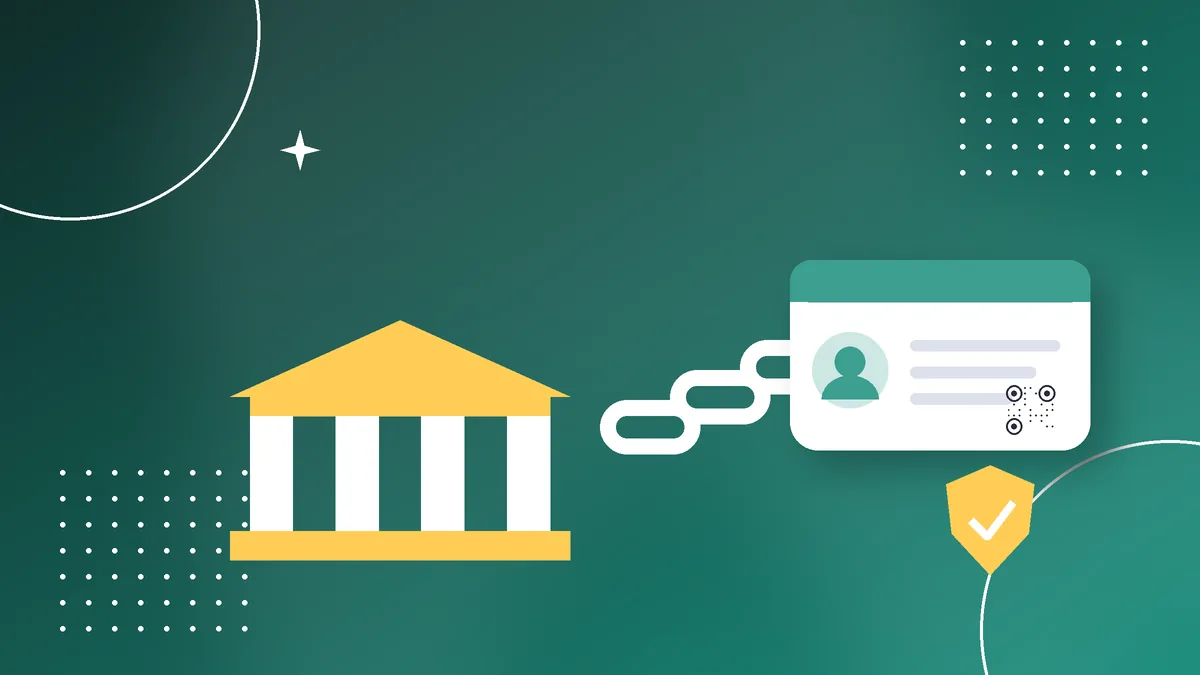
Table of Contents
Aadhaar Linking vs Aadhaar Seeding
These two terms are often confused, but they mean different things.
| Term | Meaning | Purpose |
|---|---|---|
| Aadhaar linking (bank KYC) | Your bank stores your Aadhaar for KYC | Identity verification |
| Aadhaar seeding (NPCI mapper) | Your Aadhaar is mapped to one bank account in NPCI’s system | Receiving DBT payments |
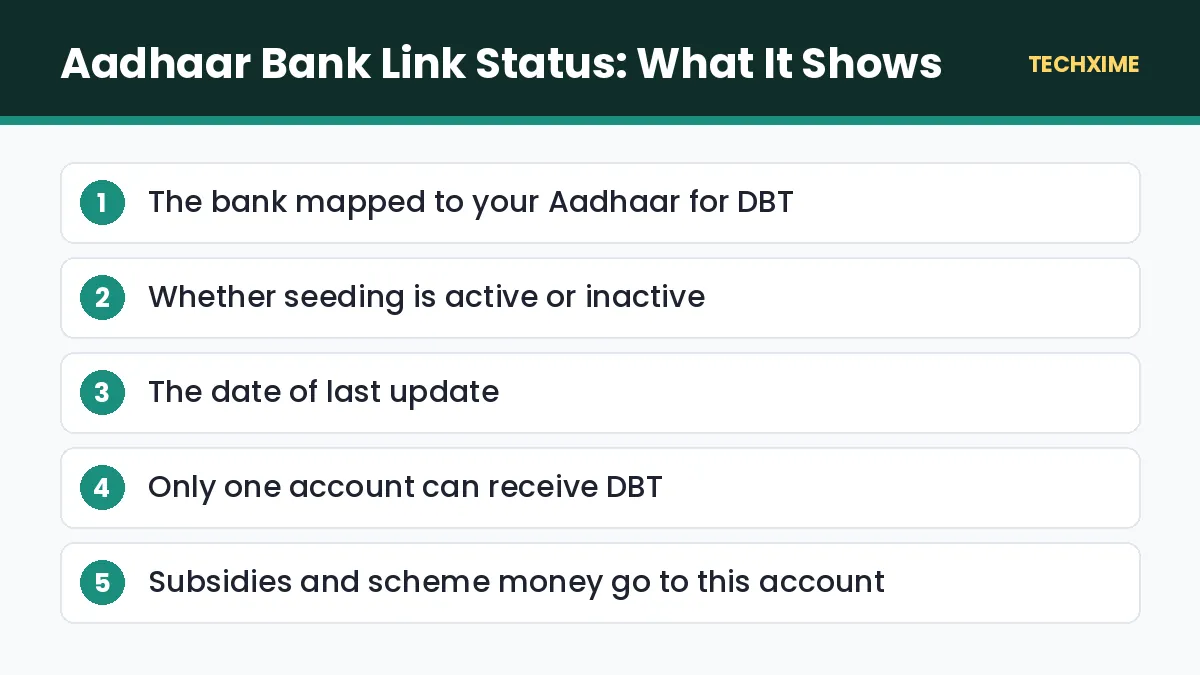
You can link Aadhaar to several bank accounts for KYC, but only one account is mapped in the NPCI mapper for DBT. Government payments go to that mapped account. When people check their Aadhaar bank link status, they are usually checking this NPCI mapping.
Why Aadhaar Bank Link Status Matters
If your Aadhaar is not seeded correctly, you may miss payments from:
- PM-Kisan: ₹2,000 instalments for farmers. See our guide to PM Kisan status.
- LPG subsidy (PAHAL): Subsidy for eligible cooking gas consumers.
- Scholarships: National and state scholarship payments.
- Pensions: Social security pensions for elderly, widows and disabled persons.
- MGNREGA wages: Payments for rural employment.
- State welfare schemes: Many state cash transfer schemes use Aadhaar-based payments.
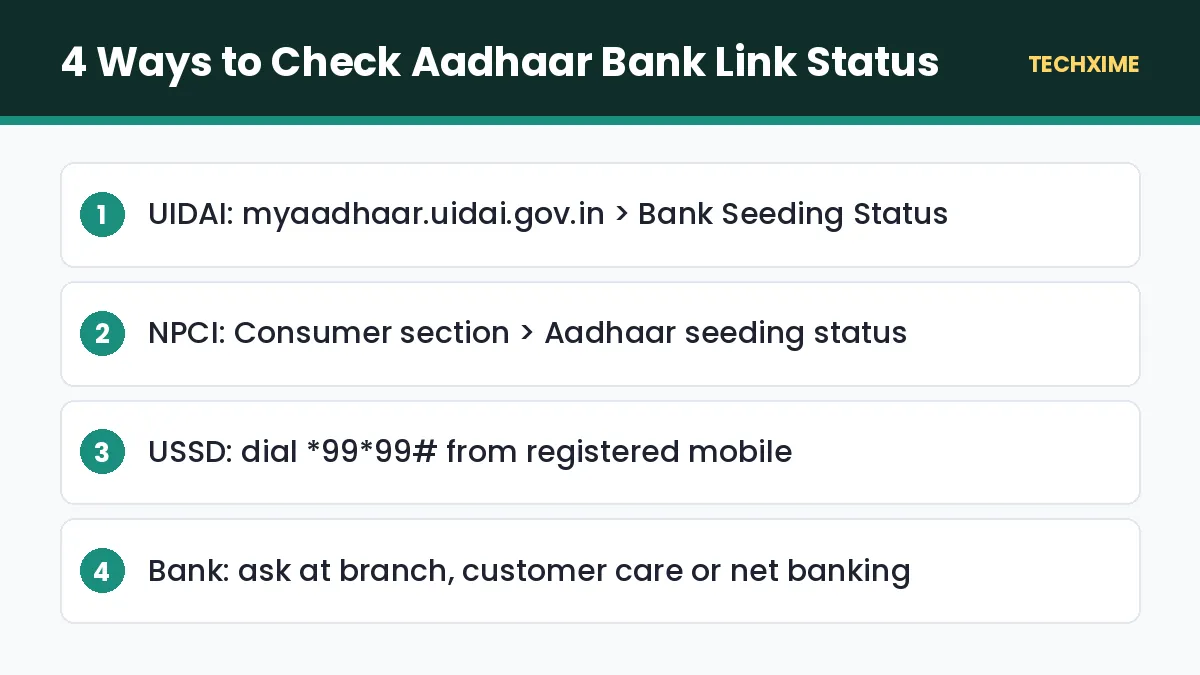
Method 1: Check Aadhaar Bank Link Status on UIDAI
This is the most common method.
- Visit myaadhaar.uidai.gov.in.
- Click Login and enter your Aadhaar number and captcha.
- Enter the OTP sent to your registered mobile.
- Select Bank Seeding Status.
- View the bank name, seeding status (active or inactive) and the last updated date.
If it shows “Active” with your bank’s name, your Aadhaar is seeded for DBT with that bank.
Method 2: Check on the NPCI Portal
NPCI, which runs the Aadhaar mapper, also lets you check your status.
- Visit the NPCI website and open the Consumer section.
- Select Bharat Aadhaar Seeding Enabler (BASE) or the Aadhaar seeding status option.
- Enter your Aadhaar number and verify with OTP.
- View the mapped bank and status.
The NPCI BASE service also lets you request seeding or change the mapped bank online for participating banks.
Method 3: Check Using *99# USSD
This works on any phone, even without internet.
- Dial \*99\*99# from your Aadhaar-registered mobile number.
- Enter your 12-digit Aadhaar number.
- Confirm the number.
- The screen shows your Aadhaar bank link status, including the mapped bank name.
This method is very useful in rural areas where internet access is limited.
Method 4: Check With Your Bank
You can also ask your bank directly:
- Visit your branch with your passbook and Aadhaar.
- Call the customer care number.
- Check in net banking under Aadhaar or DBT services, where available.
The bank can confirm whether your account is linked for KYC and mapped in NPCI for DBT.
How to Link or Seed Aadhaar With Your Bank Account
If your Aadhaar bank link status shows “Inactive” or the wrong bank, here is how to fix it.
Through Your Bank Branch
1. Visit the branch where you want to receive DBT. 2. Ask for the Aadhaar seeding or NPCI mapper consent form. 3. Fill it in, attach a self-attested Aadhaar copy, and sign. 4. The bank will update the NPCI mapper, which usually takes a few days.
Through Net Banking or Mobile Banking
Many banks let you link Aadhaar online. Log in, look for Aadhaar linking or Update Aadhaar, enter your Aadhaar number, and verify with OTP. Check whether the option also includes NPCI seeding for DBT.
Through NPCI BASE
For participating banks, you can request seeding or change the DBT account online on the NPCI BASE portal using Aadhaar OTP.
Through India Post Payments Bank
Opening an IPPB account is quick and the account is Aadhaar-based. Many people choose IPPB to receive DBT payments, as seeding is done at account opening.
How to Change the DBT Bank Account
If government money is going to an old account:
- Submit a fresh Aadhaar seeding consent at the new bank, or use NPCI BASE.
- The new bank updates the NPCI mapper.
- Check your Aadhaar bank link status after a few days to confirm the new bank name.
Future DBT payments will then go to the new account. Avoid closing the old account until you confirm the change.
Common Problems and Fixes
Status Shows “Inactive”
Your seeding may have been deactivated, often after an account closure or KYC issue. Submit a new seeding request at your bank.
Wrong Bank Shown
Another bank may have updated the mapper after you gave consent there. Request seeding again at your preferred bank.
OTP Not Received
Your mobile number may not be linked to Aadhaar. Update it using our guide to update mobile number in Aadhaar, or use the bank branch method.
Name Mismatch
If your name in the bank account differs from Aadhaar, seeding may fail. Update your name in the bank or Aadhaar first.
DBT Payment Failed
Check that the account is active and not dormant. Banks often mark accounts dormant if there are no transactions for two years.
Aadhaar Bank Link Status and Your Privacy
Checking your Aadhaar bank link status shows only the bank name and status, not your account number or balance. Still, protect your Aadhaar:
- Use masked Aadhaar where possible. Learn how to download Aadhaar card in masked format.
- Lock your biometrics in the Aadhaar app when not in use.
- Never share OTPs with callers claiming to “update DBT”.
- Watch out for Aadhaar-enabled payment (AePS) fraud; check your bank statement regularly.
Quick Summary: Aadhaar Bank Link Status
– Aadhaar bank link status shows which account receives DBT payments. – Check it on UIDAI, NPCI, *99*99# or with your bank. – Only one bank account can be mapped for DBT at a time. – Fix “Inactive” status by submitting a fresh seeding request. – Keep your mapped account active to avoid failed payments.
Key Terms Explained
– DBT: Direct Benefit Transfer of government payments to beneficiaries. – NPCI mapper: NPCI’s database linking Aadhaar numbers to bank accounts for DBT. – Seeding: Mapping your Aadhaar to a bank account in the NPCI mapper. – BASE: Bharat Aadhaar Seeding Enabler, NPCI’s online seeding service. – AePS: Aadhaar Enabled Payment System for cash withdrawals using biometrics.
Expert Tips
– Check your Aadhaar bank link status before every expected scheme payment. – Choose one active account for DBT and stick with it. – Do at least one transaction every few months to keep the account active. – Keep your bank passbook updated to confirm DBT credits. – Help elderly parents check their status using *99*99#.
Aadhaar Bank Link Status for Popular Schemes
Different schemes depend on the account mapped in your Aadhaar bank link status.
| Scheme | Why Seeding Matters |
|---|---|
| PM-Kisan | Instalments are paid only to the Aadhaar-seeded account |
| LPG subsidy | Subsidy goes to the account mapped with Aadhaar |
| Scholarships (NSP) | Many scholarships use Aadhaar-based payments |
| Social security pensions | Monthly pensions credited through DBT |
| MGNREGA | Wages paid to Aadhaar-seeded accounts |
| State cash transfer schemes | Most use the NPCI mapper |
If you are expecting any of these payments, check your Aadhaar bank link status before the payment date.
How to Check If a DBT Payment Was Received
1. Check your bank passbook or mini statement for credits marked DBT, scheme names or “APBS”. 2. Use your bank’s mobile app to view recent transactions. 3. Visit the scheme’s official portal, such as PM-Kisan, to see payment status and UTR numbers. 4. If a payment shows as sent but not received, confirm which bank is mapped in your Aadhaar bank link status.
Aadhaar Bank Link Status for Senior Citizens
Elderly people often depend on DBT for pensions. Help them by:
- Checking their Aadhaar bank link status using *99*99# on their registered phone.
- Making sure the mapped account is active and not dormant.
- Using doorstep banking or IPPB services if visiting the branch is difficult.
- Keeping their passbook updated every few months.
What If You Do Not Have a Bank Account?
Open a basic savings account under Pradhan Mantri Jan Dhan Yojana (PMJDY) at any bank, or an IPPB account at the post office. Both can be Aadhaar-seeded for DBT. Then check your Aadhaar bank link status after a few days to confirm.
Frequently Asked Questions
How can I check Aadhaar bank link status?
Log in to myaadhaar.uidai.gov.in and select Bank Seeding Status, or dial *99*99# from your registered mobile number.
Can I link Aadhaar to more than one bank account?
You can link Aadhaar to several accounts for KYC, but only one account is mapped for receiving DBT.
How long does Aadhaar seeding take?
It usually takes a few working days after the bank submits the request.
Why does my Aadhaar bank link status show inactive?
The mapping may have been deactivated due to account closure, dormancy or KYC issues. Submit a fresh seeding request.
How do I change the bank account for DBT?
Give fresh seeding consent at the new bank or use NPCI BASE. The new bank will update the mapper.
Is checking Aadhaar bank link status free?
Yes. All methods are free.
Conclusion
Your Aadhaar bank link status decides where your subsidies and scheme payments land. Check it today on the UIDAI website, NPCI portal or by dialling *99*99#. If it shows the wrong bank or an inactive status, fix it at your bank or through NPCI BASE. A two-minute check now can save you from months of missing government payments.